
- Go to the Strategies section in the sidebar menu.
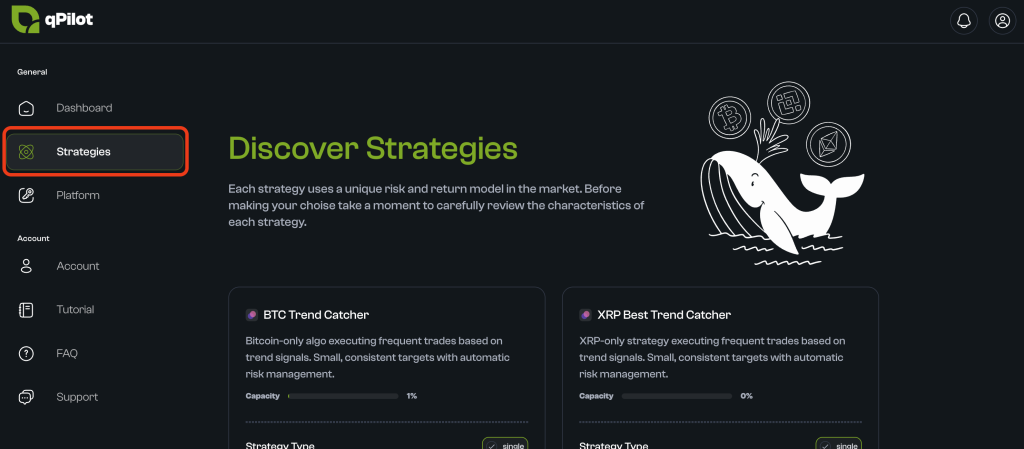
- You will see a list of available strategies. Each card displays basic information.
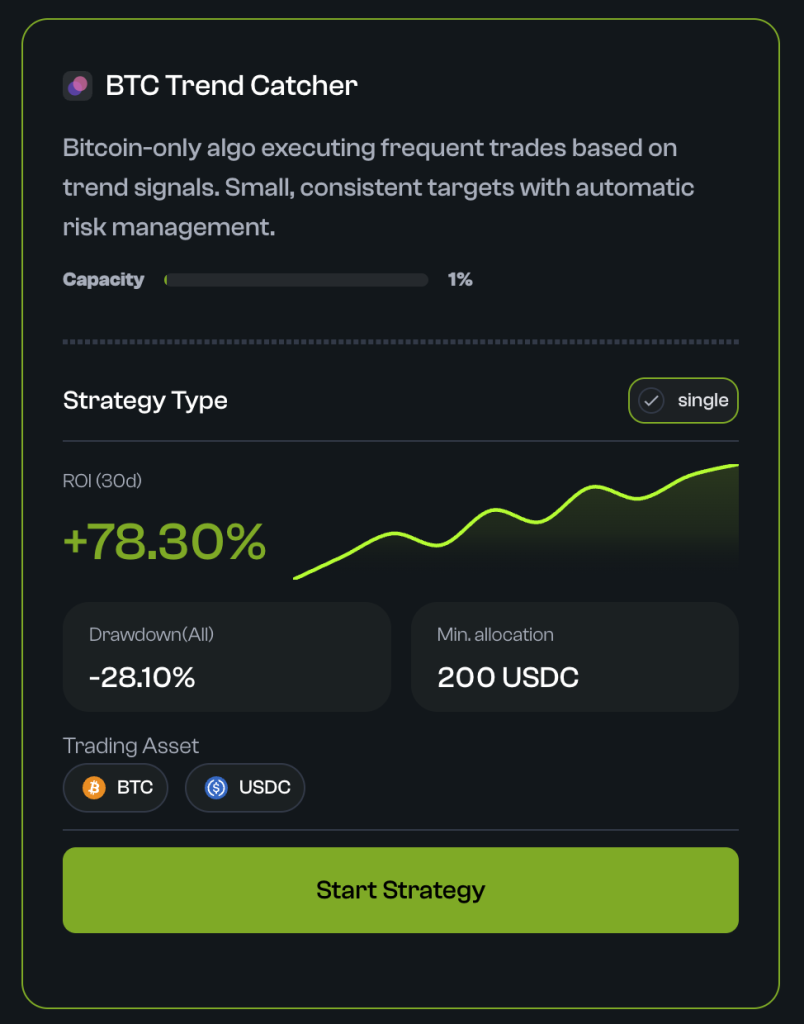
- Click on Start Strategy
- The detail page will open with further information about the strategy.
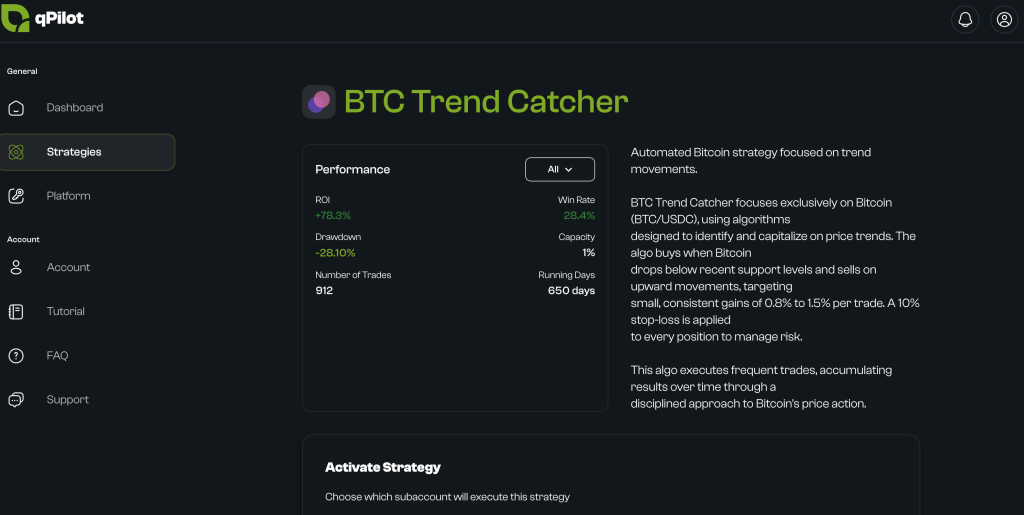
Configure Parameters
Scroll down to the Activate Strategy panel.
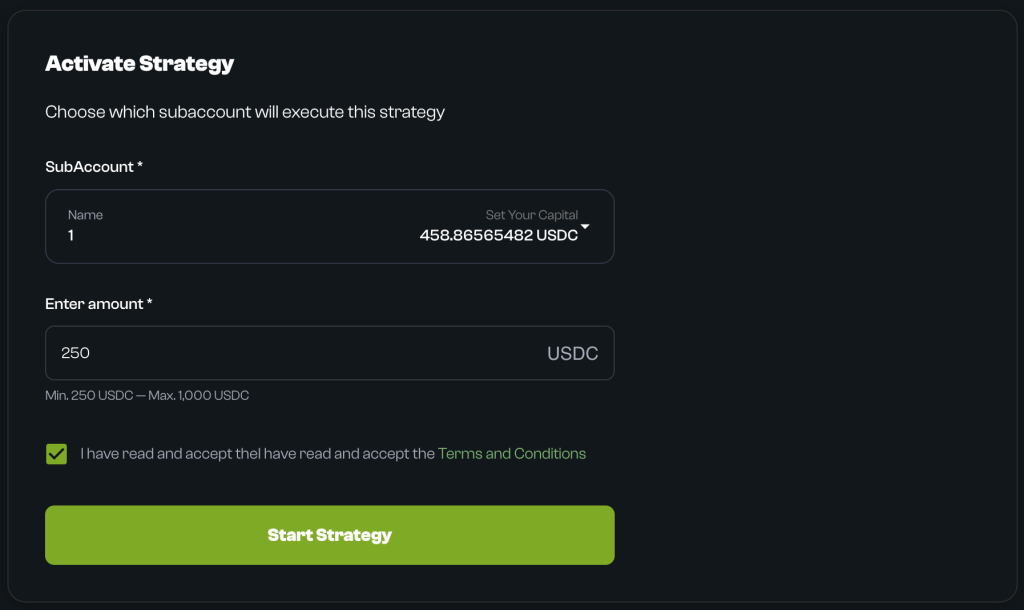
- Select the Sub-Account:
- In the “Select SubAccount” field, click the dropdown.
- Select the sub-account you connected.
- Set the Allocation Amount:
- In the “Enter amount” field, enter the amount of USDC you wish to allocate to this strategy.
- Verify Summary:
- Check that the correct sub-account and amount are selected.
- Terms & Conditions:
- Read and check the box to accept the Terms and Conditions.
Confirm Activation
- Click on “Start Strategy“.
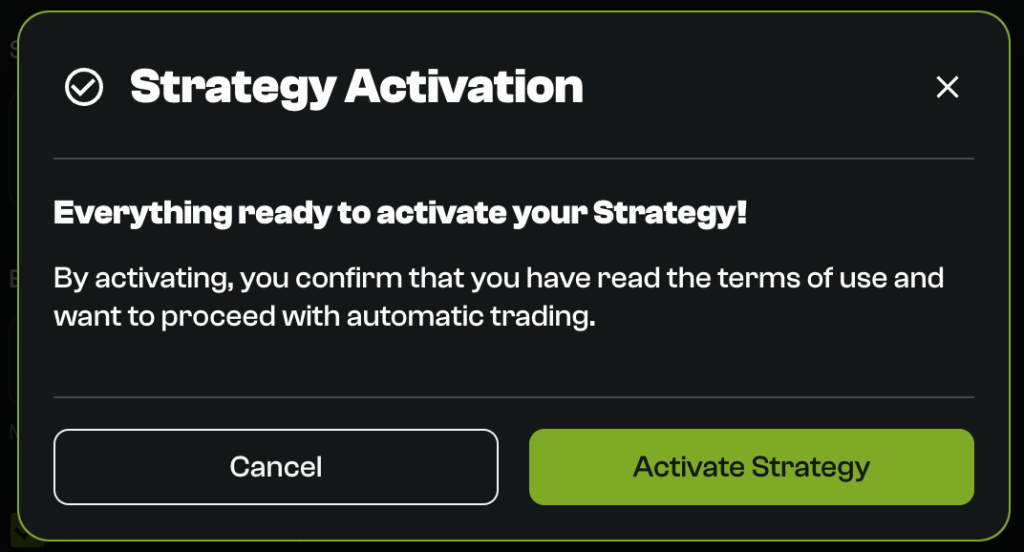
- A final confirmation popup will appear. Click on “Activate Strategy“.
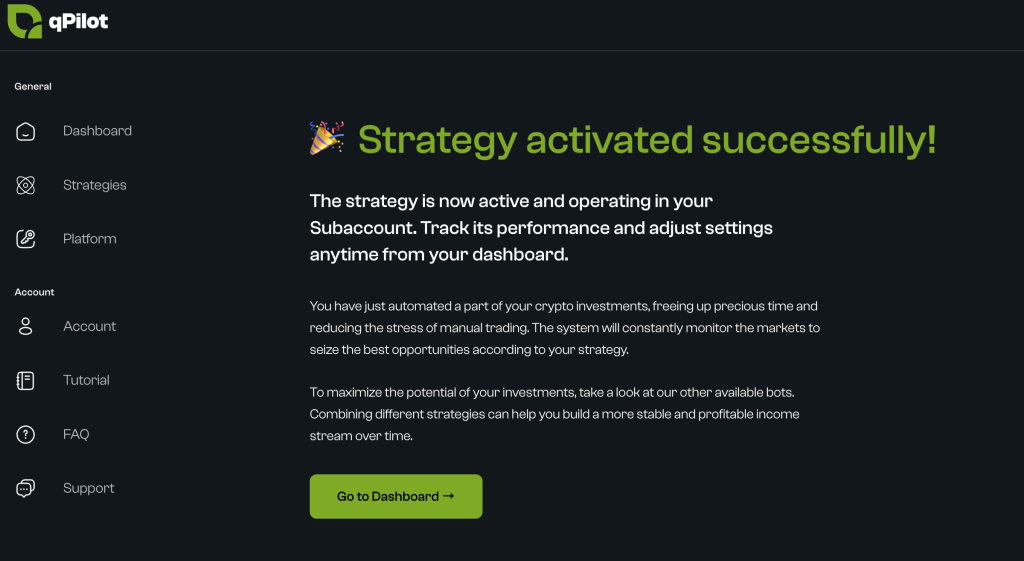
- You will see a message: “Strategy activated successfully!“. The strategy is now active and operational.
Is this page helpful?