
When you want to stop following the Strategy, you can do so at any time.
Stop Strategy
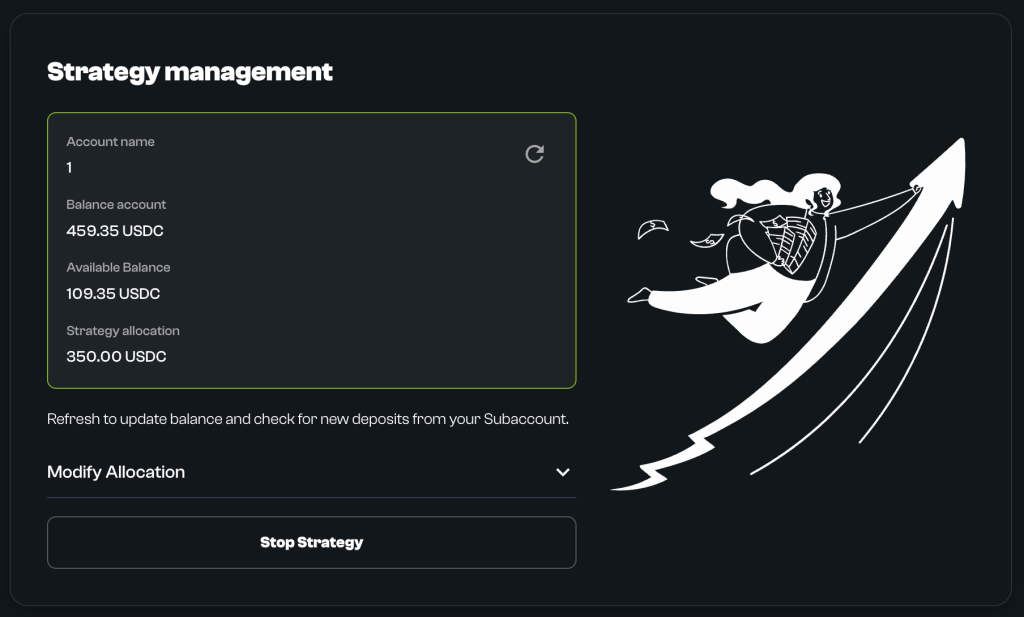
- Go to “Manage Strategy” (from Dashboard in the section My Strategy).
- Click the “Stop Strategy” button.
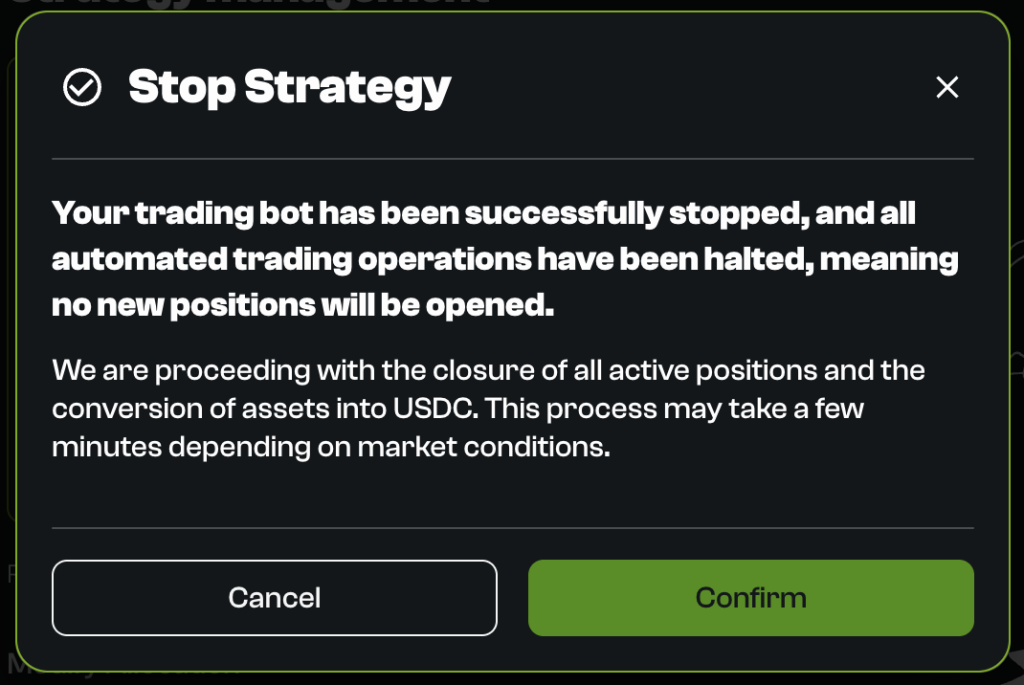
- Confirm: A popup will appear. Click “Confirm“.
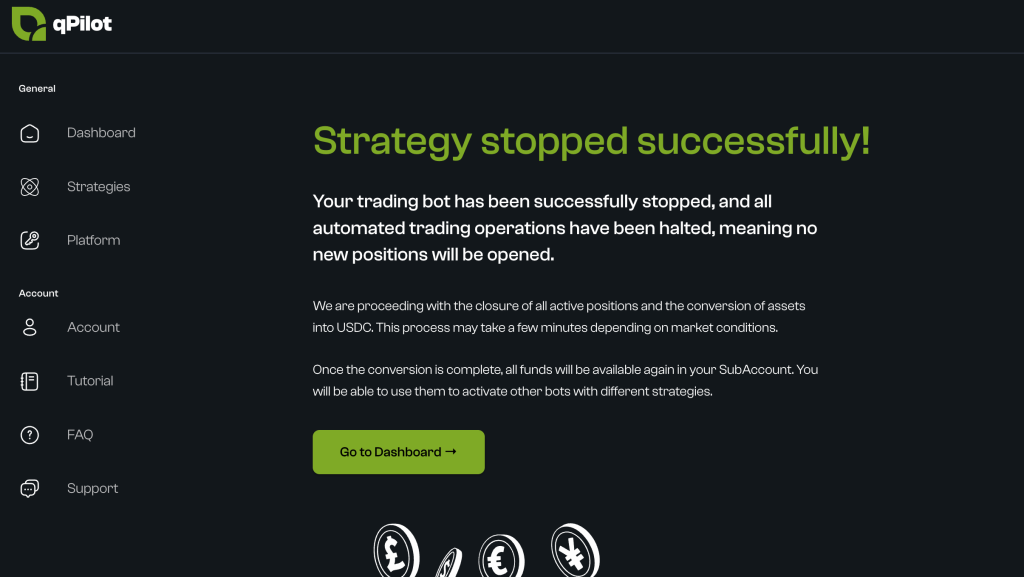
- Result: You will see a message “Strategy stopped successfully“.
- The automation immediately stops replicating operations.
- The position closure process begins.
Is this page helpful?