
You can increase or decrease the capital allocated to the Strategy without stopping it.
Access Strategy Management
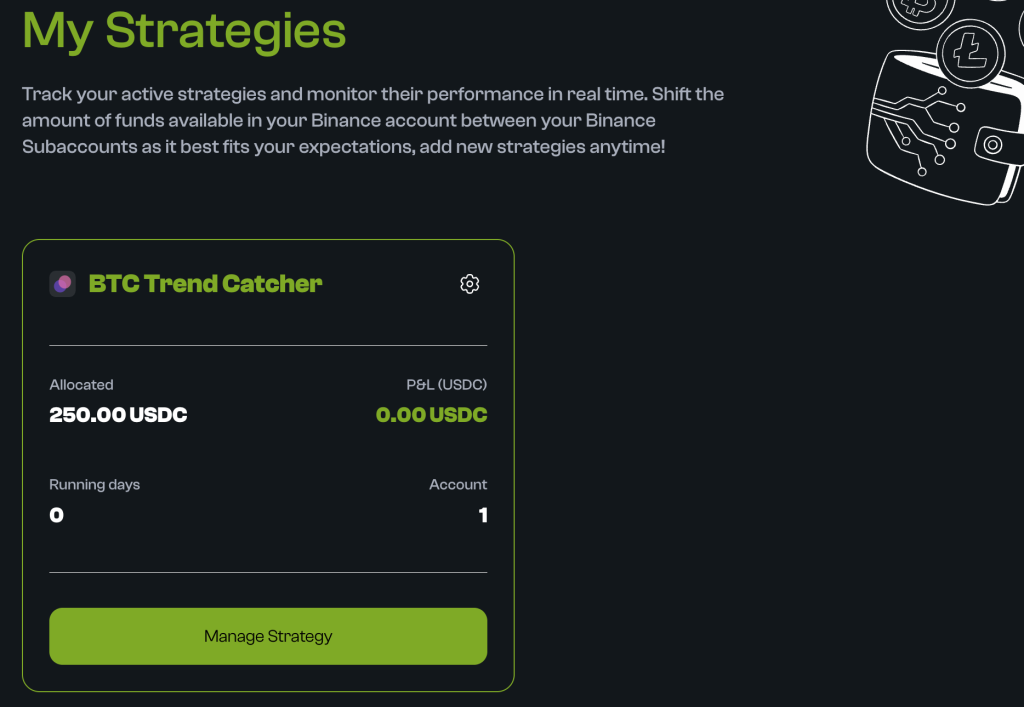
- From the Dashboard, go to “My Strategy“.
- On the card of your active strategy, click “Manage Strategy“.
Modify Allocation
- In the management panel, click on “Modify Allocation“.
- Enter the Amount: You can choose to Increase or Decrease the allocation.
- Example: We decide to increase our current allocation by 100 USDC.
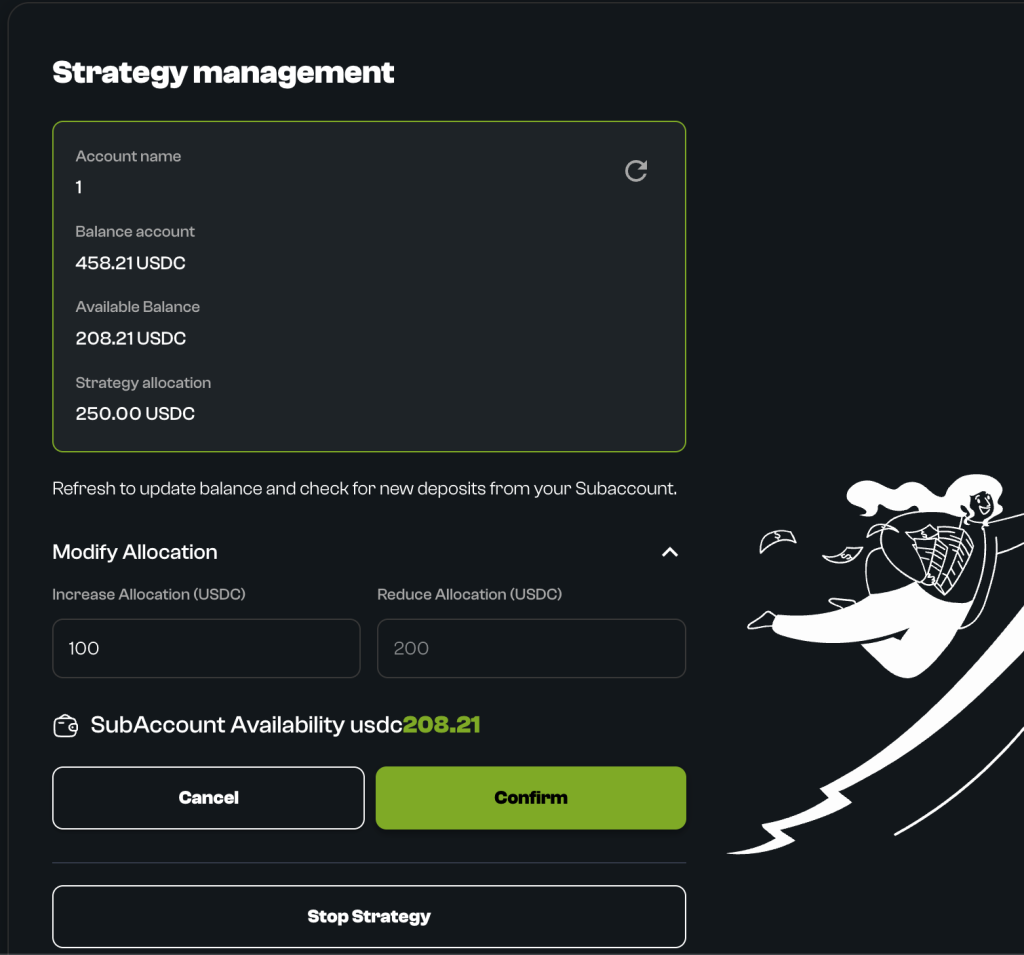
- Confirm: After entering the new amount, click “Confirm“.
- Accept the final confirmation popup.
- Result: The modification is applied immediately.
- The strategy automatically rebalances based on the new capital without stopping.
What Happens After Modification
- If you increased capital: The strategy uses the extra capital to replicate the current asset allocation. Future operations will be proportioned to the new, larger capital.
- If you decreased capital: The strategy converts part of the positions into USDC to maintain the correct allocation on the reduced capital.
Is this page helpful?