
Binance is the exchange platform where you will manage your cryptocurrencies.
To use qPilot, you will need a verified Binance account. Don’t worry if this is your first time approaching the crypto world: we will guide you step by step!
What you need Before starting, make sure you have at hand:
- A valid email address
- A phone number
- A valid ID document (ID card, passport, or driver’s license)
- A smartphone with a camera (for document verification)
- About 10-15 minutes of time
Account Registration
- Open your browser and go to www.binance.com.
- Click on “Sign Up” (top right of the page).
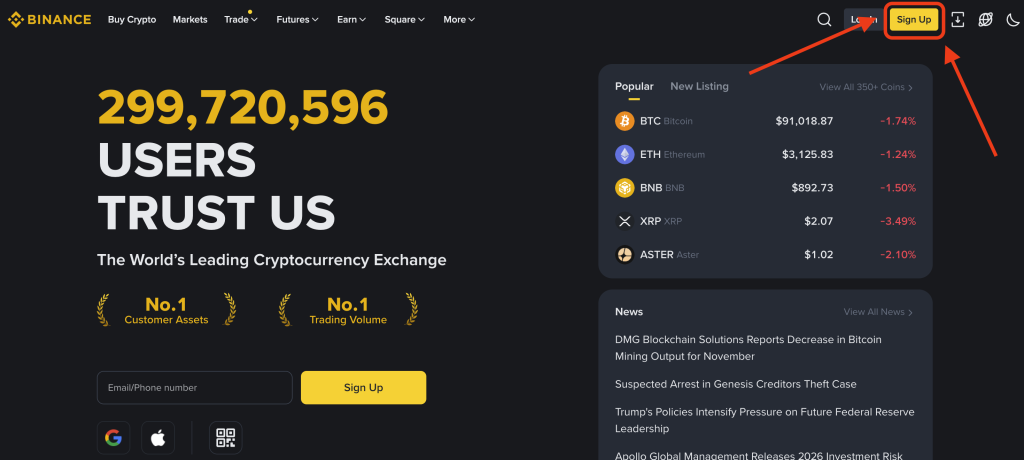
- Choose the registration method: You can register with Email or Phone Number.
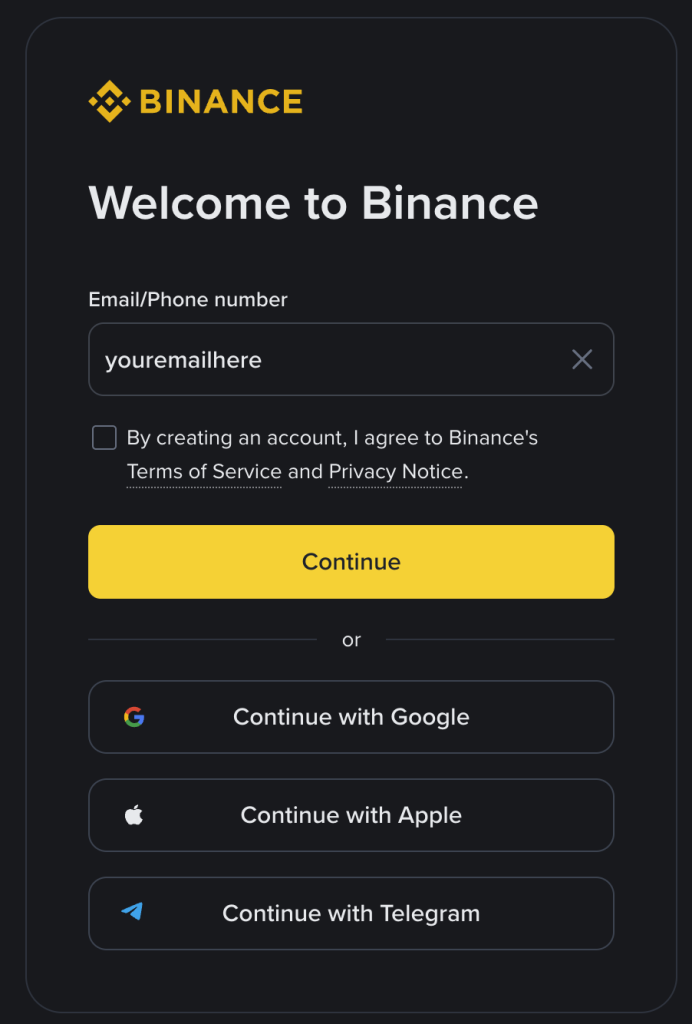
- Fill out the registration form:
- Enter your email address.
- Create a secure password.
- Read and accept the Terms of Service and Privacy Policy. Check the acceptance boxes.
- Click on “Create Account”.
- Email Verification:
- Binance will send you a 6-digit verification code via email.
- Check your inbox (including spam!).
- Enter the code received in the Binance screen.
- The code is valid for 30 minutes.
- Complete the initial setup: Binance might ask for some basic additional information. Follow the on-screen instructions.
- Congratulations! You have created your Binance account!
Is this page helpful?